

Choose your chat app
Start Reading
Telegram opens a direct chat with the ReadingRPG bot. Discord starts in the ReadingRPG Official Server, where DM bot for story play.
Discord
Join the server
Enter the ReadingRPG Official Server, then DM bot @ReadingRPG inside Server.
Join Discord Server
Interactive reading through chat
Step inside the story.
ReadingRPG turns classic books into playable reading experiences with narration, choices, character conversation, branching paths, endings, and full audio.
Not a chatbot. Not a game skin.
A book that can answer back.
Read in short chat-sized passages. Listen when you want audio. Choose when the story asks. Speak freely when a character turns to you. The story stays bounded, literary, and coherent.
The reading loop
Read, respond, continue.
Turn the page in chat
A scene arrives as focused messages and audio clips. Read or listen while the story unfolds. Type c when you are ready for the next passage.
Choose at real moments
When a story reaches a decision point, numbered options appear. Type the number or any other input if no option is your choice. Your choice can change tone, trust, clues, branch direction, or the ending.
Talk in your own words
At conversation scenes, you are not trapped in a menu. You can ask, challenge, confess, theorize, or hesitate. Characters respond inside the boundaries of the story.
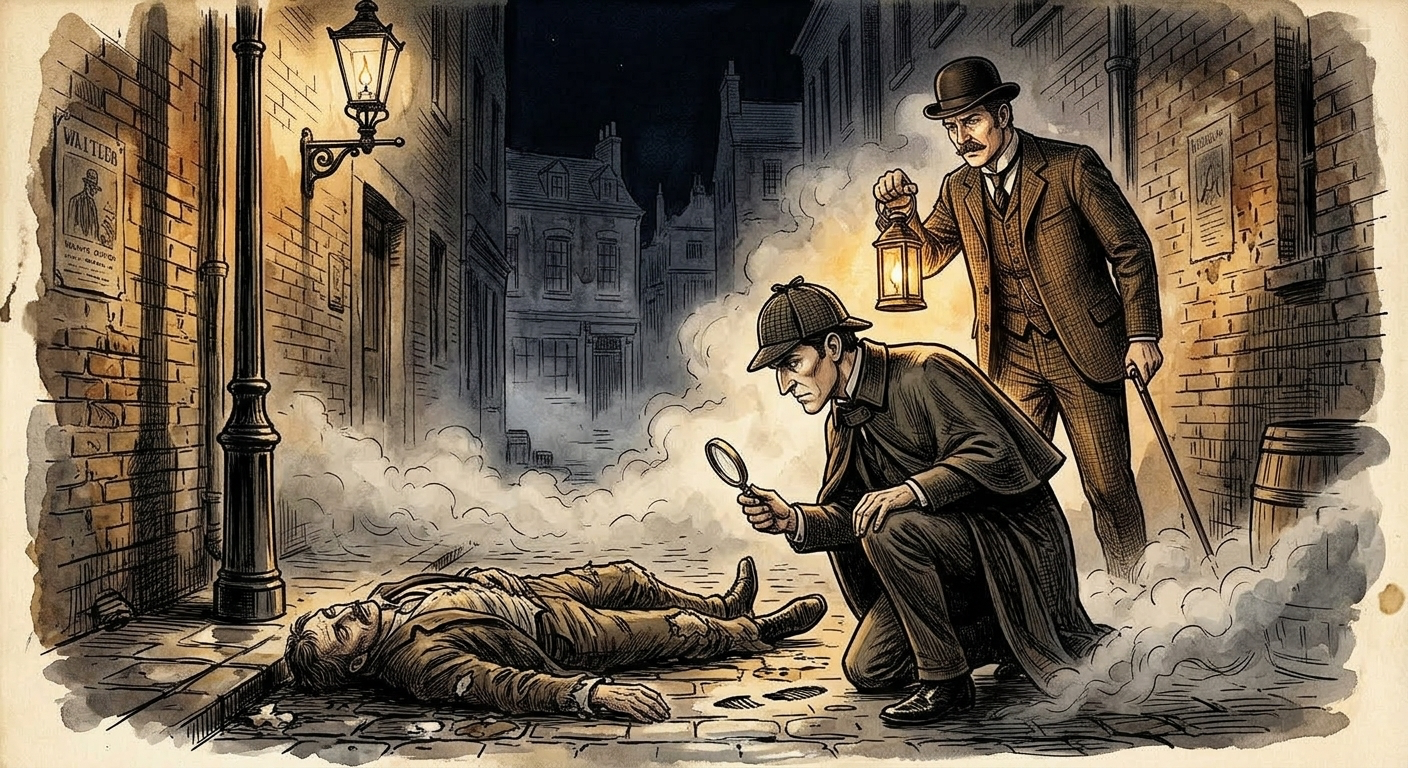
A Study in Scarlet
Baker Street is dim with fog. Holmes stands by the window, long fingers pressed together.
(type c to continue)
c
"What do you make of the word on the wall, Watson?"
It looks deliberate. Too theatrical to be an accident.
"Good. You are learning to distrust the obvious."
In-world
When you enter a story, chat becomes the story.
Your messages are treated as what your role says or does. In A Study in Scarlet, you are Dr. Watson beside Sherlock Holmes, following the case as it reacts to your choices.
Two chat modes
A guide outside. A narrator inside.
Out of world
Browse stories, manage credits, check your current session, ask for recommendations, and get support. The bot answers practical questions before and between stories.
In world
Once play begins, the bot becomes the narrator, characters answer in voice, and your input belongs to the fiction.
The library
Hundreds of playable story experiences.
Mysteries, gothic classics, adventure, fantasy, romance, drama, and more, adapted as complete story-first experiences. These are a few featured examples from a larger playable library.
A Study in Scarlet
Enter as Watson. Meet Holmes. Follow the first case.
Dracula
Letters, dread, choices, and a story that tightens around you.
Treasure Island
Read, listen, choose, and face the pull of the map.
Jane Eyre
Step into a literary world of conscience, feeling, and fire.
Branching and endings
Your responses leave traces.
Choices and conversations can set hidden state: trust, suspicion, clues, promises, secrets, and stance. Later scenes can reflect what you did, and different paths can lead to different endings.
Support and business
Need help or want to talk?
Customer support
For account, credit, or story-session help, submit a support ticket inside the ReadingRPG chatbot.
Business inquiries
For partnerships, investment relations, publishing, or other business matters, email business@readingrpg.ai.